
Smart Campaigns
Smart Links
Understand free play.dynamoi.com Smart Links, campaign destinations, service routing, themes, analytics, settings, and campaign handoff.
Dynamoi currently has a free public Smart Link surface and a separate paid-campaign destination system.
- Free Smart Links publish on
play.dynamoi.comfor connected catalog releases and manually added Spotify playlists. A Spotify track resolves to its release page. - Paid Smart Campaign links use a branded
stream.dynamoi.comlink for managed-advertising delivery and conversion measurement.
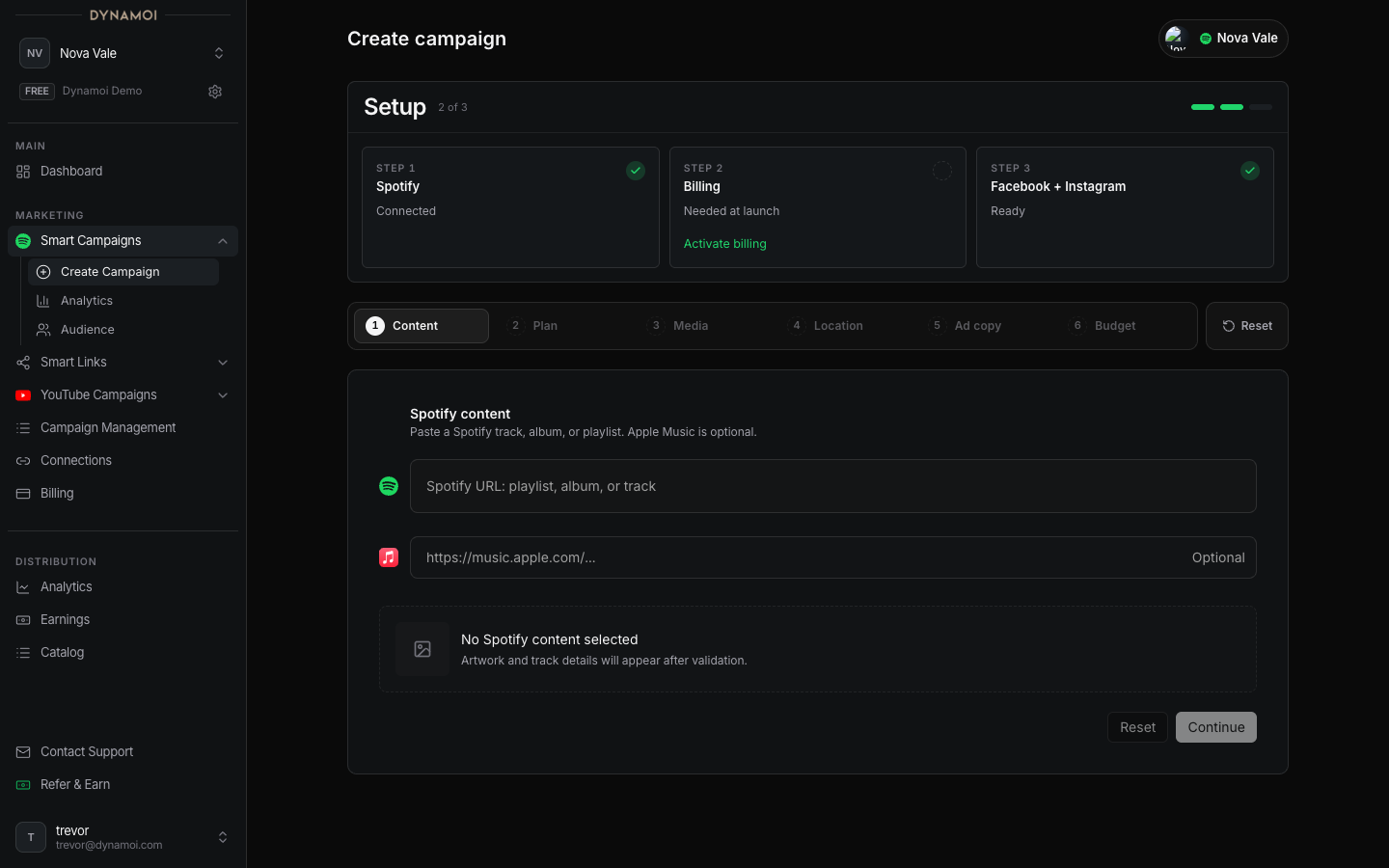
The Promote this release or Promote this playlist action starts Smart Campaign creation with the selected content prefilled.
Free Smart Link pages
Approved pages can publish at play.dynamoi.com/{artistSlug}/{smartLinkSlug} and can include:
- A canonical public URL and structured data
- Country-aware music-service buttons sourced from available catalog and Odesli data
- Automatic service ordering or an artist-level fixed order
- Per-link service URL editing and hiding
- Artist-hub navigation
- Artist defaults and per-page theme rendering
- Consent-gated artist measurement pixels when configured
- Smart Link analytics
Release links can resolve multiple supported services when data is available. Manually added playlist links begin with the service URLs currently known for that playlist and can be expanded through settings when additional valid destinations are supplied.
Catalog and publishing
Open Marketing > Smart Links > All to browse synced releases and playlists. Spotify must be connected for catalog sync. Refresh is rate-limited, and a newly added or changed item can require processing before it is publishable.
Publishing a free Smart Link does not launch advertising. The public page can be used organically whether or not the artist has a paid managed-advertising plan.
Analytics
The current Smart Link analytics surface uses a 30-day window and can report:
- Views
- Music-service clicks
- Share clicks
- Save events
- Video plays
- Service click rate
- Per-link comparisons
The underlying rollup also records supported breakdown dimensions such as country, device, locale, referrer, UTM values, theme, and share preset, but not every stored dimension is necessarily rendered in the current dashboard.
Campaign handoff
Choose content Select a release or playlist in Smart Links, or paste Spotify content in the Smart Campaign wizard.
Validate the destination Dynamoi reuses available catalog and Smart Link context while preparing the paid campaign destination.
Finish the paid campaign Complete Meta readiness, locations, copy, assets, and budget. The free Smart Link itself does not satisfy billing or ad-platform requirements.
Smart Link analytics and Smart Campaign Analytics remain separate because they are sourced from different public-page, campaign-link, and ad-platform events.