
YouTube Campaigns
AdSense ROI
Interpret YouTube revenue per view, attributed revenue, total channel revenue, return multiples, data completeness, and AdSense reporting lag.
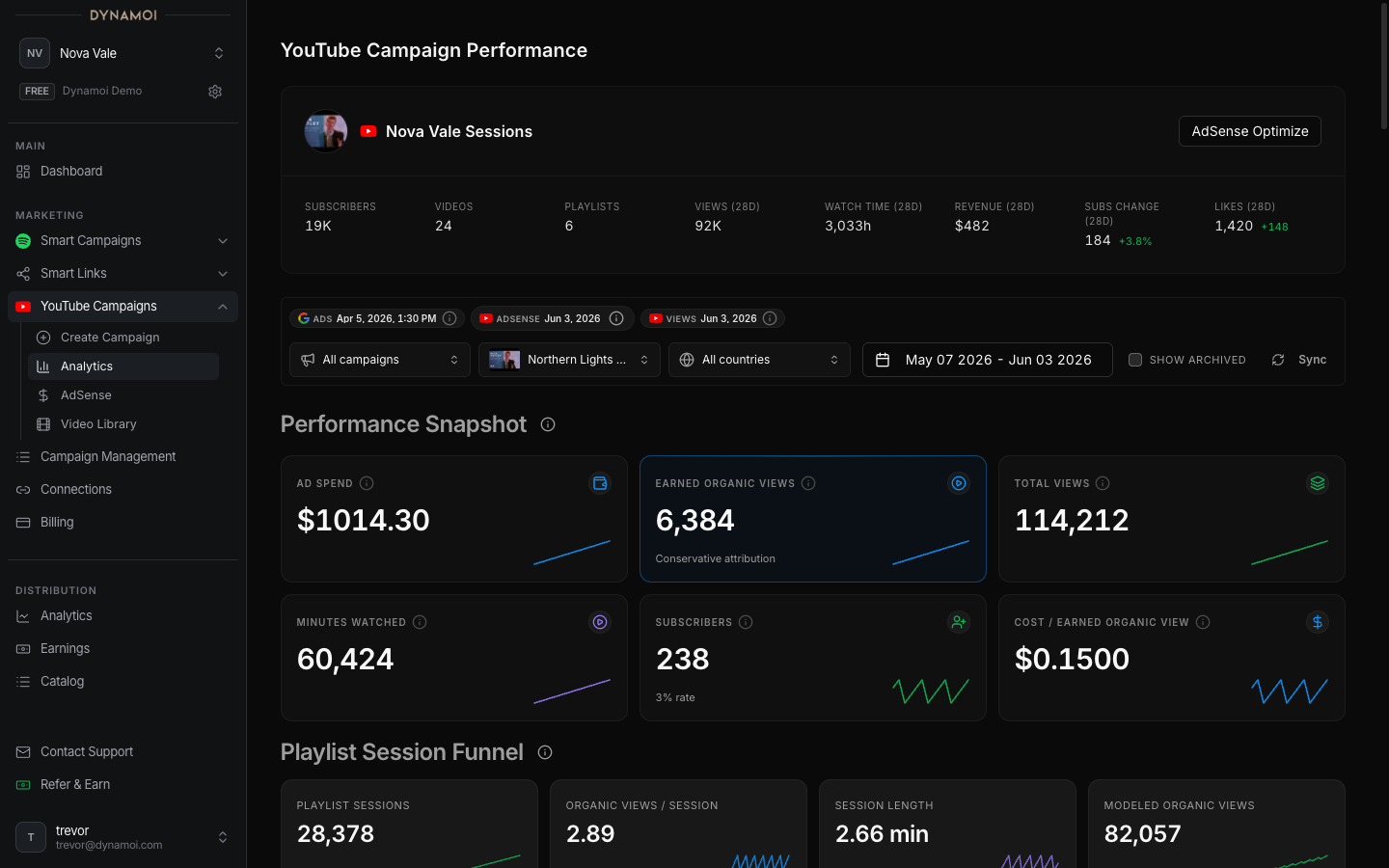
When a connected YouTube channel is monetized and revenue data is available, Dynamoi can place Google Ads cost beside YouTube revenue signals in YouTube Analytics. These panels are decision aids, not audited accounting statements or proof that advertising caused all reported channel revenue.
Requirements
Revenue panels require:
- A connected YouTube channel
- Monetization detected for that channel
- YouTube Analytics revenue and view data for the selected date range
- Google Ads campaign cost data
- Sufficient data completeness to calculate the requested series
When a source is missing or incomplete, Dynamoi hides or qualifies the affected value instead of substituting a guaranteed result.
Metrics and formulas
| Metric | How Dynamoi calculates or interprets it |
|---|---|
| RPM | Estimated YouTube revenue per 1,000 views for the applicable reporting scope |
| Revenue per view | Total reported channel revenue divided by total reported channel views in the usable date range |
| Attributed revenue | Google Ads converted-view count multiplied by revenue per view |
| Attributed return multiple | Attributed revenue divided by campaign cost |
| Total channel return multiple | Total reported YouTube channel revenue divided by campaign cost |
A displayed return value is a multiple, not a profit percentage. For example, 1.0× means the revenue value used in that panel equals the advertising cost used in the denominator. It does not account for taxes, fees, production costs, other promotion, or revenue outside the selected data.
Attributed versus total return
The two return views answer different questions:
- Attributed return applies the channel's average revenue per view to the converted-view signal reported by Google Ads. It is an estimate built from two data sources.
- Total channel return compares all available channel revenue in the range with campaign cost. It can include revenue from videos and traffic that the campaign did not cause.
Neither value proves causality, and actual business profit should not be assumed to fall between them. Use the panels together with channel, campaign, and video-level evidence.
Warning Do not treat total channel revenue as campaign-attributed revenue. Organic traffic, previous audience activity, other campaigns, seasonality, and unrelated videos can all affect the total.
Reporting dates and freshness
AdSense and YouTube Analytics often arrive later than Google Ads cost. Dynamoi clamps revenue calculations to the latest usable AdSense date when that date is earlier than the selected range end.
Look for the AdSense data through date and other freshness notices. A recent range can therefore show:
- Cost for days that do not yet have revenue data
- Partial revenue completeness
- A shorter usable ROI window than the date picker suggests
- Missing return values when there are no usable views, conversions, cost, or revenue rows
Changing the range can change revenue per view because both total revenue and total views are recalculated inside the usable window.
Using the data responsibly
Use AdSense reporting to compare patterns, not to promise outcomes. Useful checks include:
- Whether revenue per view is stable across longer ranges
- Whether attributed-return direction improves after strategy or content changes
- Whether total channel revenue is being driven by the promoted videos or by unrelated catalog activity
- Whether the latest days are complete before drawing conclusions
- Whether a higher return multiple came from more revenue, lower cost, or a temporary change in channel mix
YouTube determines final revenue, adjustments, monetization status, and payment. Review YouTube Studio and AdSense for the provider's authoritative records.
See YouTube Monetization Qualification for the pre-monetization tracker and Analytics Overview for broader reporting guidance.