
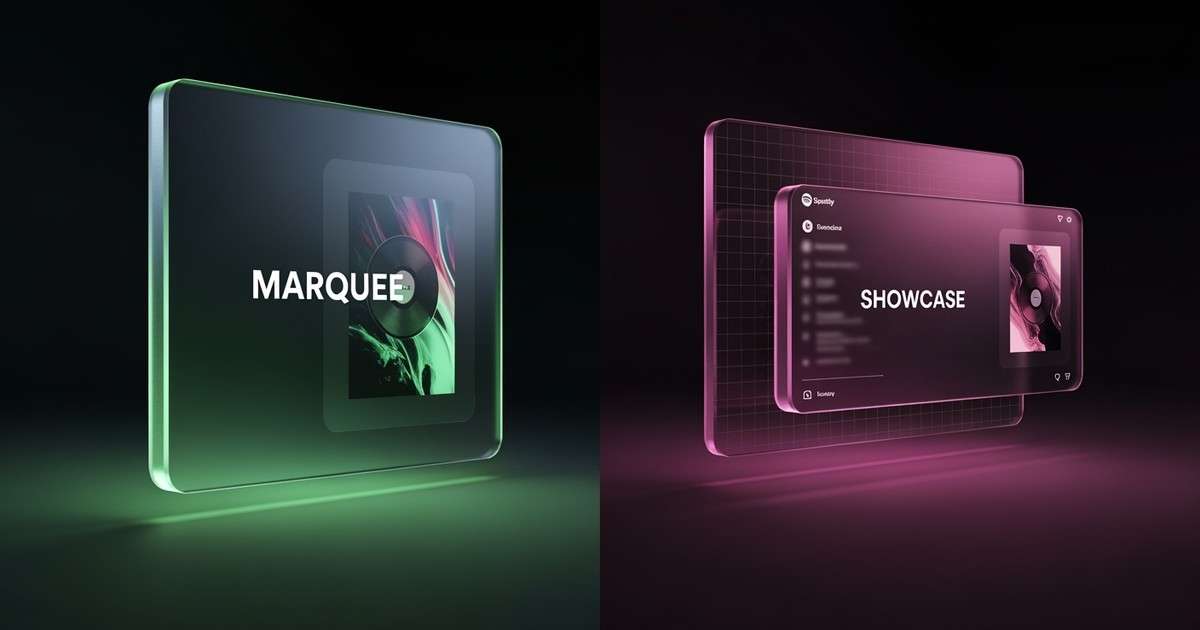
Spotify offers two native advertising tools through Spotify for Artists: Marquee and Showcase. Both drive streams, but they work differently, cost differently, and suit different release strategies. (For the full promotion playbook, see our complete Spotify promotion guide.)
How Does Spotify Marquee Compare to Showcase?
Marquee is a full-screen pop-up recommendation shown when targeted listeners open the Spotify app, priced on a cost-per-click basis. It works best within the first 2 weeks of a new release. Showcase is a banner placement on the Spotify Home feed, available for both new and catalog releases, also priced per click. Marquee drives higher immediate stream rates but requires a minimum budget and is limited to new releases. Showcase offers broader reach and works for catalog promotion. For new releases with budget, use both: Marquee for the initial push, Showcase for sustained visibility after week 2.
Quick Comparison
| Feature | Marquee | Showcase |
|---|---|---|
| Ad format | Full-screen pop-up when app opens | Placement in Home feed |
| Release timing | New releases only (must start within a limited window) | New releases or catalog |
| Campaign duration | Up to 10 days | Up to 14 days |
| Minimum budget | $100 | $100 |
| Maximum budget | $10,000 | $10,000 |
| Pricing model | Cost per click | Cost per click |
[[MarqueeShowcaseComparison]]
How Marquee Works
Marquee displays a full-screen, sponsored recommendation when targeted listeners open the Spotify app. It appears to both Free and Premium users and drives listeners directly to your release.
Key constraints:
- Only available for releases within Spotify’s Marquee eligibility window (Spotify documents start-date rules by market)
- Campaign runs for up to 10 days (or until budget is spent)
- You can cancel early if performance is weak
For step-by-step setup and targeting guidance, see our Marquee and Showcase playbooks:
Because Marquee is full-screen, accidental clicks are rare. The gap between clicks and actual streams tends to be smaller than with feed-based placements.
How Showcase Works
Showcase places your release within the Spotify Home feed alongside other recommended content. It was designed to address a specific problem: 75% of a release's first-year streams happen after the first month.
Key constraints:
- Only available for releases older than 18 days
- Campaign runs for up to 14 days (or until budget is spent)
- Works well for albums and EPs where "listening depth" matters
Showcase is best for re-engaging lapsed listeners or extending the life of catalog tracks.
Eligibility Requirements
Marquee eligibility:
- At least 5,000 streams in the past 28 days OR more than 1,000 followers in at least one of 36 target markets
- Artist must be based in an eligible territory (currently 11 countries: US, UK, Canada, Australia, Germany, France, Spain, Italy, Netherlands, Mexico, Colombia)
Showcase eligibility:
- At least 1,000 streams in the past 28 days in any one of 30 targetable countries
- Currently available to US-based artists only
Both tools require admin or editor access to your Spotify for Artists team and valid payment information.
Pricing and Costs
Both tools use cost-per-click billing. You pay only for clicks (including saves), so your final spend may be lower than your budget.
- Minimum budget: $100
- Maximum budget: $10,000
- Cost per click: Varies by audience and market; typically ranges from $0.30-$0.40 for Showcase (based on 2024-2025 campaign data)
Prices fluctuate based on available inventory, targeting choices, and market dynamics. Spotify does not publish fixed rate cards.
Targeting Options
Both Marquee and Showcase offer audience targeting:
- Programmed Audience: Listeners who haven't deliberately streamed your music in the past two years but have encountered it via editorial playlists or algorithmic placements
- Active Audience: Listeners who have chosen to stream your music in the past 28 days from active sources (your profile, their own playlists)
You can also target by market (country) to focus spend where your audience is strongest.
When to Use Each Tool
Use Marquee when:
- You have a new release (within 18 days)
- You want to re-engage existing fans around release week
- You need the flexibility to cancel if results are poor
- You want to maximize the "opens → streams" conversion rate
Use Showcase when:
- You want to promote an older release (catalog revival)
- You have an album or EP where deeper listening matters
- You want to extend momentum after the initial release window
- You are a US-based artist targeting US listeners
Performance Expectations
Spotify claims Marquee delivers up to 10x more listeners per dollar compared to social ads, and Showcase makes fans 6x more likely to stream.
In practice, Marquee tends to outperform Showcase on raw conversion metrics. The full-screen format creates a clearer user experience with fewer accidental clicks.
Showcase may perform better for albums and EPs where initial click-through leads to multiple track plays.
Limitations
Both tools have significant constraints:
- Budget cannot increase: Once a campaign launches, you cannot add budget. You can only create a new campaign.
- Geographic restrictions: Marquee and Showcase are not available to artists in all countries.
- Eligibility thresholds: Newer artists without 1,000+ followers or 1,000-5,000 recent streams may not qualify.
- No A/B testing: You cannot run simultaneous variants to test creative.
The short answer
Marquee is for new releases. Showcase is for everything else. Both use the same pricing model and minimum budget, but they serve different strategic purposes.
For release-week momentum, Marquee's full-screen format typically converts better. For catalog revival or extending an album's run, Showcase is the only native option within Spotify.
Neither tool replaces external promotion. They work best as part of a broader strategy that includes Meta ads, organic content, and editorial pitching.