
Can You Switch Distributors Without Losing Streams?
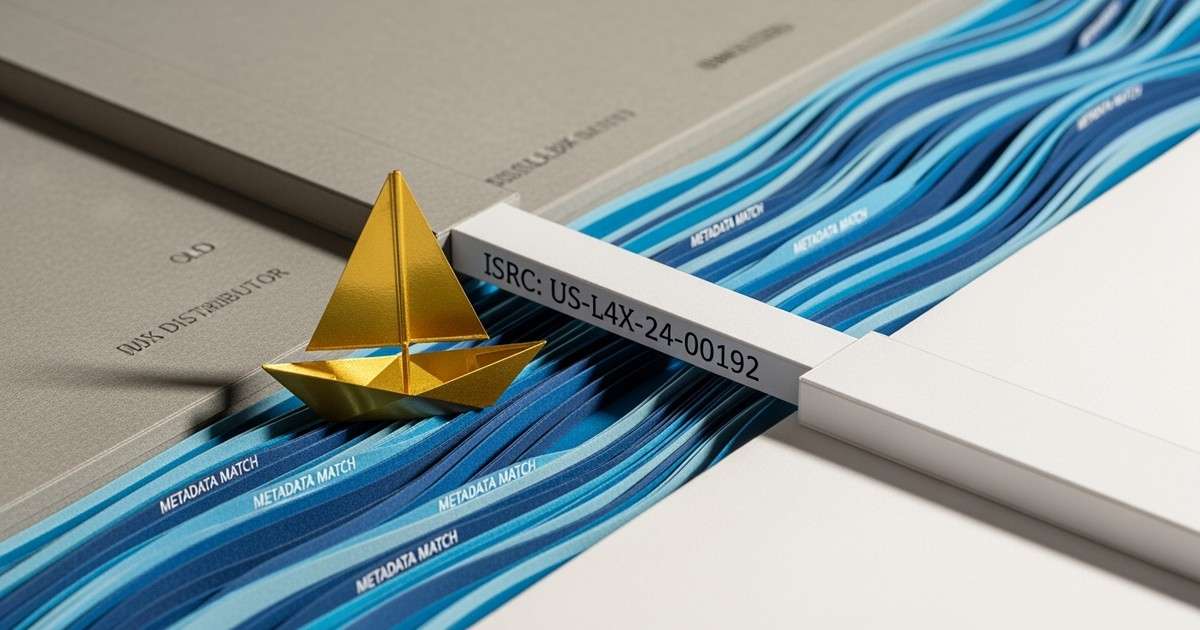
Switching distributors doesn't automatically lose your streams. Spotify and Apple Music use ISRCs (International Standard Recording Codes) to identify tracks. If your new distributor delivers with the same ISRCs as your old one, platforms link the new delivery to your existing streaming history.
The critical requirement: you must reuse your original ISRCs.
What Needs to Match
For successful track linking, these elements must be identical:
ISRC (mandatory). The 12-character code assigned to each recording. This is the primary identifier platforms use. Different ISRC = different track = streams start over.
UPC (for albums). The 12-digit barcode for the release. Keeps album-level data consistent.
Artist name. Exact spelling and capitalization. "The Artist" and "the artist" are different strings.
Track title. Exact match, including capitalization and punctuation.
Featured artists. "feat. Guest" vs "ft. Guest" can cause matching failures.
If any of these differ, Spotify may treat the new delivery as a completely new track, orphaning your streams.
How Does the Migration Process Work?
Get your ISRCs. Download from your current distributor's dashboard. If they don't provide them, check Spotify for Artists or your royalty statements.
Upload to new distributor. When adding tracks, enter your existing ISRCs rather than letting them generate new ones. Most distributors including DistroKid, TuneCore, Dynamoi, and CD Baby support ISRC import during the upload process.
Verify metadata matches. Copy exact spellings from your existing Spotify listing, not from memory.
Wait for new version to go live. Your track may briefly appear twice on Spotify - one from each distributor. This is normal.
Request takedown from old distributor. Only after confirming the new version is live and linked.
Verify linking. Your stream count should persist on the new delivery. If it shows zero, something didn't match.
What Are the Timeline Expectations?
- New distributor processing: 5-10 days
- Spotify track linking: Usually automatic within 24-48 hours
- Takedown from old distributor: 2-7 days
- Complete transition: 2-3 weeks
Don't rush this. A botched migration can cost months of streaming history.
What About Playlist Placements?
If track linking succeeds, playlist placements typically transfer too. The track ID stays the same, so playlists referencing your song continue to work.
If linking fails (different ISRC or metadata mismatch), your track may be removed from playlists as the old version disappears.
What Happens When Migration Fails?
If your streams don't transfer, you likely have a metadata mismatch. Compare your new delivery against the old one character-by-character. Common issues:
- Different ISRC (the new distributor generated a fresh one)
- Spacing differences in artist/track names
- Different featured artist formatting
- Caps variations
Some mismatches can't be fixed after delivery. You may need to request takedown, correct the metadata, and re-upload - effectively starting the process over.
How Can You Prevent Migration Problems?
Keep a spreadsheet of all your ISRCs and UPCs. Update it with every release. This becomes your migration reference file.
Before uploading to a new distributor, screenshot your current Spotify listings. Use these as the source of truth for metadata matching.
Don't delete your old distributor account or remove your catalog until you've verified everything transferred correctly on the new platform.
What Is the Bottom Line?
Switching distributors while preserving streams is possible and happens routinely. The process requires attention to detail - specifically, using original ISRCs and matching metadata exactly.
When switching, always reuse your existing ISRCs. Take your time, double-check identifiers, and don't takedown old versions until new ones are confirmed live and linked.