
Apple Music for Artists has a set of Promote tools that are easy to ignore and expensive to ignore.
They matter because most Apple Music promotion fails on friction:
- fans land on a generic page with too many choices
- links break across devices
- tracking is messy, so teams scale the wrong creative
Promote is a way to keep the campaign path clean.
What Promote Actually Gives You
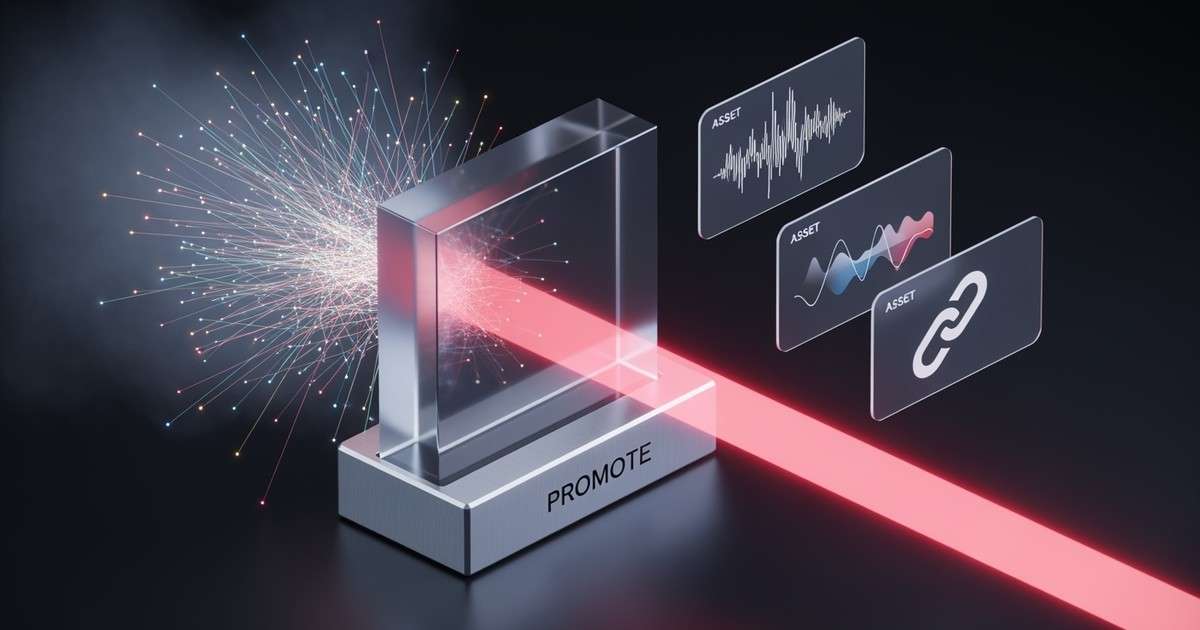
Promote is designed to create shareable assets and release links for your music. The toolkit includes:
| Asset Type | What It Does | Best Use Case |
|---|---|---|
| Smart Links | Auto‑routing links that detect device and open Apple Music directly | Cross‑platform social posts |
| Linkfire Links | Trackable links with attribution (30‑min window) | Paid campaigns where you need funnel data |
| Motion Artwork | Animated assets sized for Stories and Reels | Short‑form social promotion |
| Embeddable Players | Mini players for websites and emails | Newsletter and blog integrations |
| App Store Stories | Pre‑formatted content for App Store features | Apple‑native discovery |
Use Promote for:
- pre‑add campaigns
- release day links
- social assets that match Apple's surfaces
- concert promotion with Set Lists
The Linkfire Integration
Apple partnered with Linkfire to provide artist‑level tracking. When you create links through Promote, you can connect your Linkfire account and access attribution data.
Attribution window. Linkfire uses a 30‑minute attribution window. If a listener clicks your link and streams within 30 minutes, that stream is attributed to your campaign. Streams outside the window are not counted, which keeps attribution conservative but accurate.
What you can track:
| Metric | Available | Notes |
|---|---|---|
| Clicks | Yes | Real‑time |
| Attributed streams | Yes | 30‑min window |
| Geographic breakdown | Yes | Country‑level |
| Device type | Yes | iOS vs Android vs Web |
| Conversion rate | Yes | Clicks to streams |
Tracking latency. There is a 3-5 day delay between when a stream happens and when it appears in Apple Music for Artists analytics. This delay exists because Apple batches streaming data before reporting. Plan your campaign check-ins accordingly, do not panic at day-one data.
Set Lists: The 2024 Feature Most Artists Miss
In 2024, Apple introduced Set Lists in Apple Music for Artists. This feature lets you create and publish the setlist for your live shows.
How it works:
- Go to Apple Music for Artists → Set Lists
- Create a setlist for an upcoming show
- The setlist appears on the concert event page in the Apple Photos app
- Fans can tap through to listen on Apple Music
Set Lists create a bridge between live performance and catalog streaming. After a show, fans who Shazammed a song or want to relive the experience can find the exact setlist and stream it.
Promotion use case. Use Set Lists for tour announcements. Post about the show, link to the event page, and let the setlist drive catalog discovery. This is particularly effective for artists with deep catalogs or heavy live schedules.
How to Use Promote Without Losing the Plot
Keep the CTA single‑minded
If your goal is Apple Music growth, make Apple the primary CTA on the landing page. Do not hide it under "More."
A/B tests consistently show that reducing choices increases conversion. If you have three equal DSP buttons, each gets roughly equal clicks, which means none get optimized volume. Pick a priority.
Use tracking you can trust
Promote links are useful, but they are not a measurement system by themselves. Pair them with:
- a landing page that logs intent events (pre‑add, follow, save)
- server‑side event tracking for paid funnels
- UTM parameters for campaign segmentation
The point is to teach paid systems what "good listeners" look like. If you only optimize for clicks, you will scale cheap traffic that bounces.
Prep the artist page before the push
Promote works best when the artist page and catalog are ready:
- Clean imagery. Header images and artist photos should be current and high resolution.
- Consistent naming. Album and song titles should match across all DSPs and your socials.
- Correct links and credits. Check that collaborator credits are accurate.
- Bio and social links. Fill out the bio section and link your active socials.
If a new listener clicks through and finds an empty‑feeling page, you lose the session.
Integrating Promote With Paid Campaigns
Promote is not a replacement for a measurement stack, but it should be part of your funnel architecture.
Recommended setup:
- Discovery layer (Meta/YouTube Ads): Run short‑form video to earn watch time and build retargeting pools.
- Landing page (your site or smart link): Capture intent with a prominent Apple Music CTA. Log the intent event server‑side.
- Promote/Linkfire link: Use for the Apple Music destination. This gives you the 30‑min attribution data.
- Retargeting: Send a second creative to viewers who engaged but did not convert.
What Promote cannot do:
- Track streams outside the attribution window
- Show you listener behavior after the initial stream
- Replace Apple Music for Artists analytics
Use Promote for campaign‑level attribution. Use Apple Music for Artists for overall growth metrics.
Common Mistakes
Using only direct Apple Music links
Direct links work, but they have no tracking. You cannot tell which creative drove streams. Use Linkfire or a landing page to capture intent data.
Ignoring the attribution window
If your funnel is slow (long landing page, multiple steps before the stream), you may lose attribution. Streamline the path from click to play.
Not checking artist page readiness
Sending traffic to a neglected artist page wastes the click. Audit your page before every campaign push.