
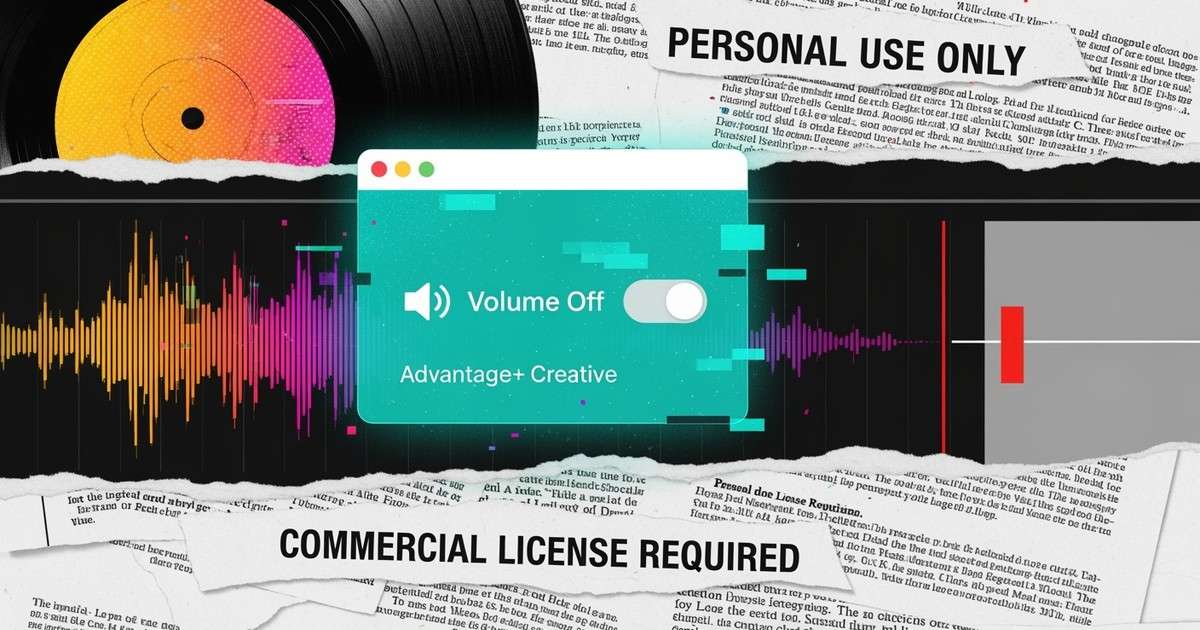
When Meta mutes or replaces your audio in an ad, it is almost never random. It is one of these two problems.
Is the Track Licensed for Ads?
Most music you can add through Instagram’s music picker is cleared for personal and organic use only. Commercial use, including ads and boosted posts, requires separate rights. Meta’s own guidelines say you are responsible for securing commercial licenses.
That is why ads with library music get muted or blocked, even if the track is “available on Instagram.”
Fix:
- embed the audio in the video file before uploading, or
- use music from Meta’s ad‑safe catalog, or a track you fully control with explicit ad rights.
Did Meta Auto-Enhancements Add or Swap Your Music?
Advantage+ Creative and “Enhancements” can add background music or replace audio when Meta thinks it will improve performance. Operators see this often on boosted posts.
Fix:
- In Ads Manager, open the ad and turn off Music under Enhancements.
- If Meta still swaps audio, upload a version with your song baked into the file. That leaves nothing for Meta to “help.”
What Is the Short Rule for Ad Audio?
If you plan to spend behind a clip, always control the audio at the file level.
Sources
- Meta Music Guidelines
- Meta Branded Content Policies
- Industry and operator reporting on ad muting and automatic enhancements.