
What Are the Guardrails for Free Promotion?
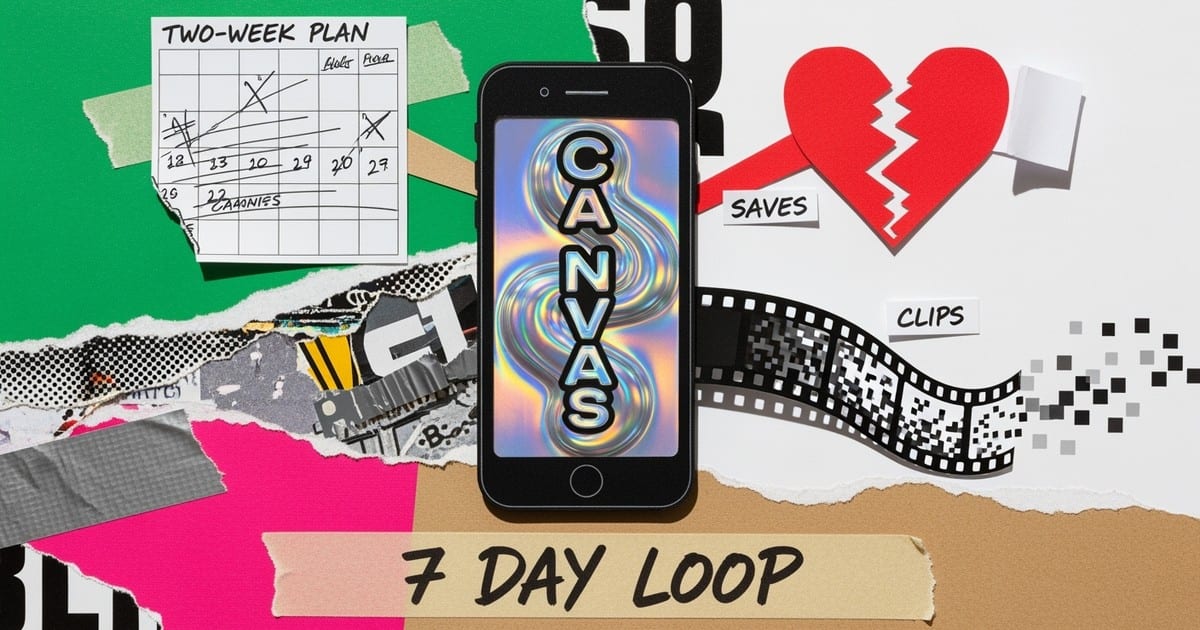
Free promotion works when it improves listener intent on Spotify. Our legitimate Spotify marketing strategies guide covers every policy-safe tactic in detail. Prioritize the actions the product already amplifies: pitch the right song before release so it reaches followers in week one, attach a short Canvas that makes people linger, add a Clip that tees up the hook, and keep your profile focused on one track. Pitching at least 7 days before release lets you pick the song for Release Radar, which concentrates attention in the first week.
Saves are your north star, because saves predict return listening and future resurfacing. Early skips are the warning light, especially before 30 seconds when a stream is counted. If many listeners leave before that mark, tighten the intro and move the payoff earlier.
What Free Tools Actually Help You Ship?
You do not need paid software to make solid Spotify assets. Pick one editor and one AI helper, then keep the look consistent.
| Tool | Use | Why it helps |
|---|---|---|
| CapCut (desktop or mobile) | Trim, crop 9:16, loop, captions | Fast, free, plenty of templates for vertical edits |
| Canva Free or Adobe Express Free | Quick text-safe overlays, simple motion | Safe way to add light motion without overdesigning |
| DaVinci Resolve | Pro-grade edit and color | Free tier is enough for clean vertical clips |
| FFmpeg | Lossless trims, loop exports | Bulletproof for 3–8 second Canvas loops |
| Stable Diffusion (local) or ComfyUI | Generate stills to animate subtly | Keeps style consistent without paid credits |
| Pika or Luma free tiers | Short text-to-video ideas to trim | Great for abstract Canvas motifs, then polish in editor |
Keep assets yours or properly licensed. Avoid logos and text inside Canvas, and keep motion minimal so it loops cleanly.
What Asset Recipes Can You Reuse?
Canvas that earns the first half-minute
Your Canvas should be a short vertical loop, 3–8 seconds, 9:16, at least 720 px tall. Export as MP4 or JPG, then upload in Spotify for Artists. Favor subtle, repeatable motion that matches the first line or motif.
Recipe: Generate a simple visual in Stable Diffusion or Pika that matches your song’s mood, import to CapCut, crop to 9:16, trim to 6 seconds, add a gentle push-in or ping-pong loop, export H.264 MP4. Reuse the color palette across releases so your profile feels cohesive.
Prompt starter (edit to taste): “soft neon reflections on rain at night, minimal movement, loop-friendly, vertical composition, no text, cinematic, abstract, fits [genre or instrument].”
Clips that make saving feel natural
Clips are short vertical videos with audio, longer than 3 seconds and shorter than 30 seconds, minimum 1280×720. Use them to point people to a specific action like saving the track or checking the new release page.
Script template: Hook in the first 2 seconds, one sentence story or payoff, then a plain ask. Example: “This melody started on my commute. Here is the 7-second hook everyone keeps looping. If it hits you, save it on Spotify.”
Production: Shoot face-to-camera or B-roll, add auto-captions in CapCut, export at 1080×1920, keep it clean. Post the same day you update Artist Pick so the profile and video line up.
Profile alignment that reduces friction
Set Artist Pick to the focus track during launch. Keep the bio and links short, and swap long Link-in-bio trees for a single action during release week. The less choice, the more saves.
Already growing on its own and want to push it harder? Dynamoi's Smart Links and analytics are free: publish hosted release pages, track per-release performance, and add your own retargeting pixels with no subscription. When the song is ready for paid reach, managed advertising starts at $25/month: Dynamoi runs your campaigns across Meta and YouTube end-to-end and reports live performance in the dashboard. Learn more at dynamoi.com.
What Does a Two-Week Free Promotion Plan Look Like?
Days 0–1 - Prep and pin: Submit your pitch and deliver assets early. Upload Canvas and one Clip, set Artist Pick to the upcoming release so fans see the right target from your profile.
Days 2–4 - Seed warm audiences: Post one Clip that lands the hook fast. Reply to meaningful comments within 24 hours so the story keeps momentum. Share a 10–15 second vertical on your main social with a clear save ask and the Spotify track pre-link if your distributor supports it.
Days 5–7 - Release window: Switch Artist Pick to the live track, publish a second Clip built from the most repeated moment in comments, and collaborate once with a peer artist for a stitch or duet. For three days, send everyone to one link only, your track page.
Days 8–14 - Sustain and simplify: If you discover a stronger Canvas idea, replace it. Host a 15–20 minute listening room on TikTok Live, YouTube, or Discord, call out a specific timestamp, and thank a few new listeners by name in comments. Repeat the content angle that drove the most saves rather than inventing a new format.
Time budget target for solo artists: about 2–3 hours per week. If you only have 90 minutes, ship the Spotify assets and one short Clip first, then do replies the next day.
How To Measure Progress Without Jargon
You only need three lines in a notes app once a week.
Saves: This is the main indicator. Write down saves this week. Aim for a higher number than last week once your content cadence stabilizes.
Early skips: Look at how many listeners leave before 30 seconds. If that number stays high, trim silence, tighten the intro, or move the hook earlier so more plays cross the 30-second mark where streams count.
Playlist adds: Adds put you inside daily routines. Even small but steady adds hint at long-tail resurfacing.
If a source adds plays but causes saves to stall, stop pushing that source. If one Clip angle keeps lifting saves, reuse the angle with a new shot or scene and keep the rest the same.
When Free Plateaus, Fix Creative First, Then Scale
Free often tops out when streams go up but saves stop rising. That is not a distribution problem, it is a materials problem. Adjust the intro, the Clip hook, or the Canvas mood. When you see two solid weeks of rising saves and lower early skips from your warm audiences, test a modest budget only on that track and only to the audiences that already respond. Keep the spend if save rate and completion hold or improve in the next 7 days. Trim if they do not.
How Should You Do Outreach That Gets Real Collabs?
Look sideways, not up. Pick two peers with similar mood or theme, then send this note:
“Hey [Name], I have a 7-second hook listeners are looping. Want to stitch a quick reaction and point people to save it on Spotify this week? I will send a ready-to-post vertical clip, 15 seconds.”
Keep it reciprocal. If their audience clicks with you, invite them for a verse, piano version, or remix next cycle. Over time, these small overlaps build the catalog neighborhoods that Spotify can recognize and resurface later.
What Is the Bottom Line?
You can promote Spotify music for free by shipping one good Canvas, one tight Clip, and a focused profile that points to a single track. Work a simple two-week loop, measure saves, early skips, and playlist adds once a week, and repeat what moves those three numbers. When one song keeps winning, scale that winner, not your workload. For the full paid-and-free playbook, see our complete Spotify promotion guide.