Smart Links Overview
Create free streamit.fm release pages, playlist links, and artist hubs across 15 services with Apple Music in-page save, videos, and status checks.
Free Smart Links publish unlimited streamit.fm release pages, playlist links, and an artist hub across 15 music services and stores — free forever on every plan, with no credit card and no ads, working with any distributor. Manage them per artist under Marketing > Smart Links > All Links (or the Links tab in the iOS and Android apps).
Smart Links support published releases and playlists only — pre-saves are not offered. Publishing a Smart Link never launches paid advertising or starts billing.
| Link type | URL pattern | Purpose |
|---|---|---|
| Release or playlist Smart Link | streamit.fm/{artistSlug}/{smartLinkSlug} |
Free public page for sharing a release or playlist anywhere |
| Artist hub | streamit.fm/{artistSlug} |
Free link-in-bio hub listing the artist's releases and profile links |
| Campaign link | go.streamit.fm |
Separate destination used only during paid Smart Campaigns to measure Spotify saves |
What appears on a Smart Link page
- Artwork or video header: Displays release or playlist cover art, or an embedded YouTube player when you set a Smart Link Video (music service buttons remain right below).
- Description and Artist intro: Custom per-release text plus your artist hub introduction.
- 15 supported music services: Automatically matched from your catalog, ordered by the visitor's country (default) or your chosen fixed order.
- Apple Music in-page Save: On
streamit.fmpages with an Apple Music song, album, or playlist destination, fans can authorize Apple Music once via MusicKit v3 and save the release directly to their Apple Music library without leaving the page. - Theme and validated pixels: Applies your chosen artist theme and loads your configured Meta Pixel, TikTok Pixel, or Google Ads conversion tag on page load. See Smart Link Analytics & Settings.
Managing Smart Links in All Links
Open Marketing > Smart Links > All Links to browse your catalog by tab (All, Albums, Singles, Compilations, Tracks, Playlists, Smart Links) or search with Search catalog.... Items already running in a campaign carry a Used in campaigns marker.
| Action | What it does |
|---|---|
| Open Smart Link | Opens the live public page on streamit.fm |
| Copy Share Link | Copies the public URL with share attribution (?utm_origin=dynamoi&dynamoi_share=copy_link) |
| Share Kit | On live Smart Links, opens the display/copy link, custom UTM builder, and downloadable SVG QR code on web (Smart Link Share Kit) |
| Promote | Opens a prefilled Smart Campaign draft for an eligible Spotify release or Spotify playlist (not shown on Apple Music-only playlists) |
| Edit Description | Updates the public text shown on this Smart Link |
| Manage Music Services | Adds missing store links, corrects a wrong URL, or hides services |
| Smart Link Video | Replaces cover artwork with a YouTube player above the service buttons |
| Unpublish / Republish | Available on approved releases without a takedown (not playlists) to take a page offline or restore it; published releases with campaign history show Used in campaigns with unpublishing disabled |
| Remove from Catalog | Removes a manually added playlist with no campaign history (playlists with campaign history show Used in campaigns, disabled) |
Smart Link statuses
| Status | Meaning |
|---|---|
| Preparing | Dynamoi is matching stores and building the page |
| In review | Our team is verifying the artist's claim to this release before publishing |
| Live | Published and accessible on streamit.fm |
| Unpublished | Taken offline by your team; select Republish to restore |
| Rejected | Claim verification was not approved, so the page cannot be published |
| Unavailable | Taken down and cannot be displayed |
| Disabled | Smart Links are turned off at the artist level in Settings |
Anyone needing to report impersonation, a DMCA or rights claim, or a factual error on a streamit.fm page can submit a takedown request directly at https://streamit.fm/takedown.
Promoting a Smart Link with a Smart Campaign
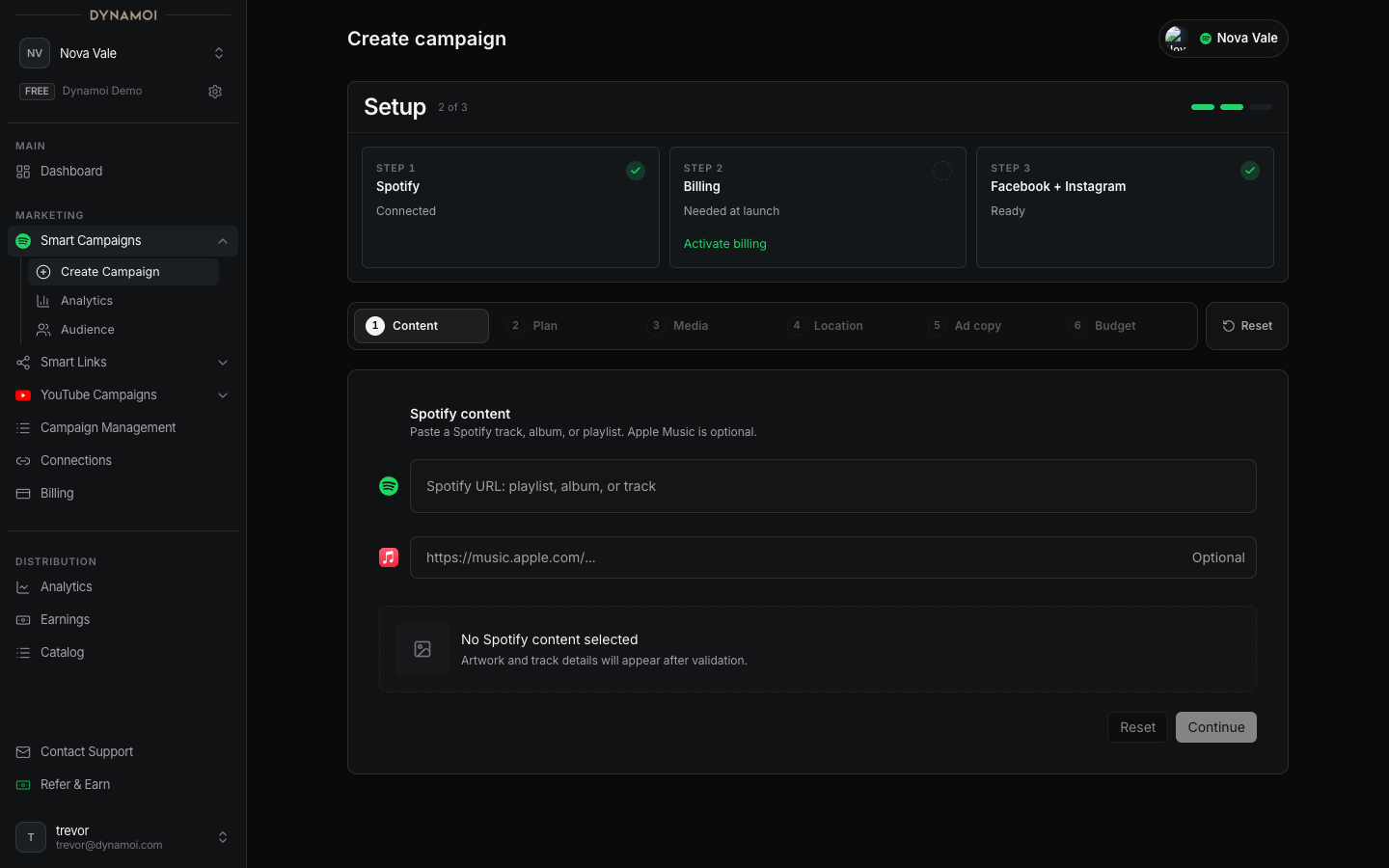
Pick the release or playlist Select Promote this release or Promote this playlist on an eligible Spotify item in All Links, or paste a Spotify URL inside Marketing > Smart Campaigns > Create Campaign.
Complete campaign setup Add creatives, country targeting, ad copy, and budget. See Creating a Smart Campaign.
Dynamoi builds the campaign destination We reuse your catalog metadata to generate the tracked
go.streamit.fmlink that Meta ads optimize against, while keeping your freestreamit.fmanalytics separate from paid Smart Campaign Analytics.
Apple Music playlist Smart Links can be published and shared freely, while Smart Campaigns require Spotify content.
AI agent & CLI access
Available via the Dynamoi MCP server (dynamoi_list_smart_links, dynamoi_get_smart_link, dynamoi_create_smart_link_from_spotify, dynamoi_create_smart_links_from_spotify_artist, dynamoi_update_smart_link_release_settings, dynamoi_smart_link_controls — directory & full profiles; dynamoi_update_smart_link_description — directory profile only) and the dynamoi CLI. Adding playlist Smart Links remains dashboard-only.