
Platform Connections
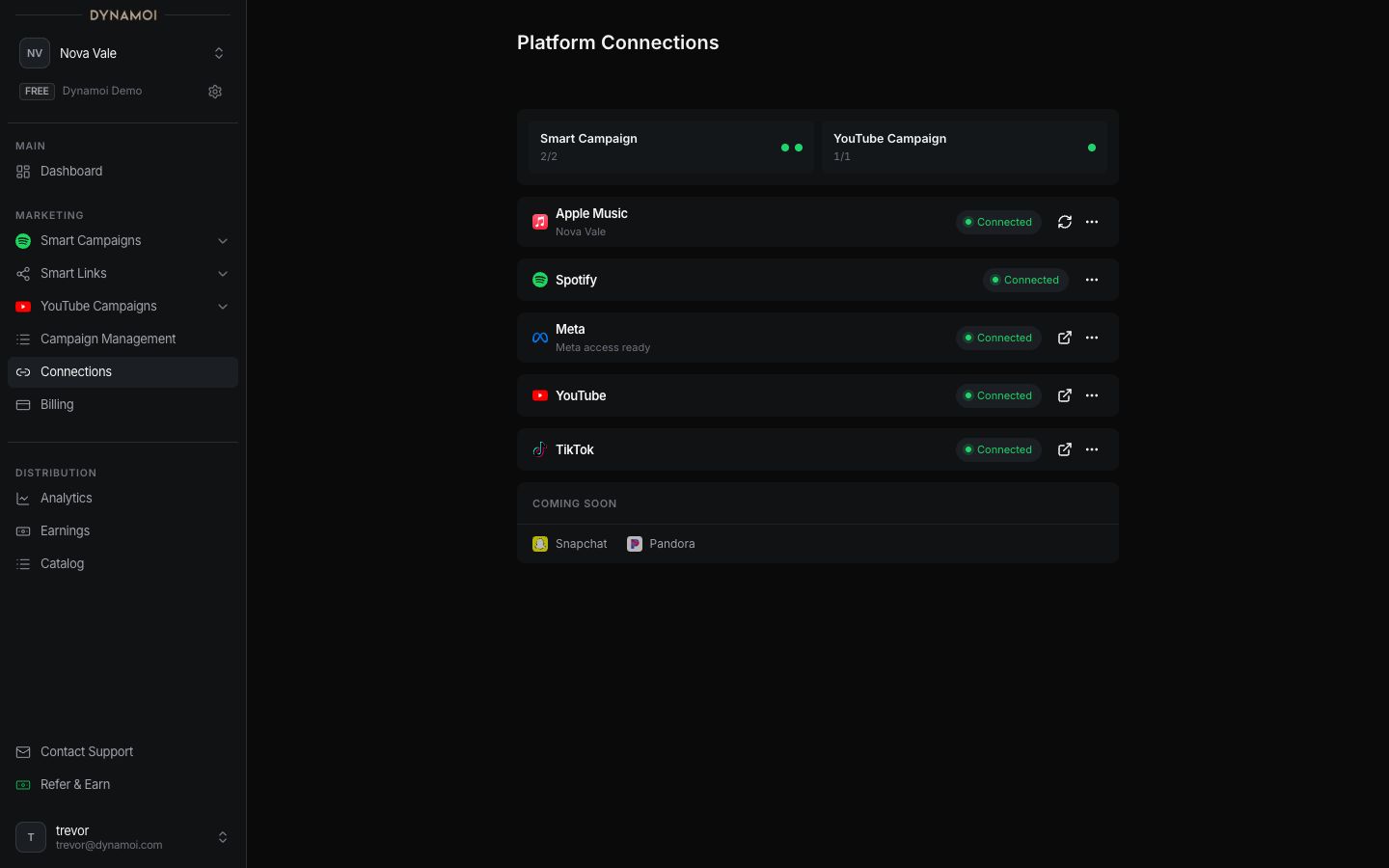
Connecting Meta
Connect a Facebook Page and professional Instagram account, then complete the Meta Business Portfolio and partnership approval used by Smart Campaigns.
Smart Campaigns currently use Dynamoi-managed Meta advertising. The Meta connection authorizes the artist's Facebook Page and professional Instagram account; it does not require you to supply your own ad account.
Before connecting
You need:
- A Meta login with sufficient access to the Facebook Page
- An Instagram Business or Creator account connected to that Page
- The Page and Instagram account in the same Meta Business Portfolio when the partnership flow requires it
- Managed-advertising billing active when the page presents the private OAuth gate
Connect Meta
Start from Platform Connections Select
Connectin the Meta row. Standard accounts can be routed to Billing first when managed advertising is not launchable.Authorize with Meta Sign in and approve the requested access. Keep the intended Page and Instagram assets available to Dynamoi during authorization.
Choose the assets Select the eligible Facebook Page and confirm its connected professional Instagram account.
Complete the partnership Follow the Meta Business Manager prompt, approve Dynamoi's partnership request, then return and confirm the approval.
State guide
| State | Meaning |
|---|---|
Activate billing to continue |
The current artist must make managed advertising launchable before private Meta setup begins. |
Add both accounts to one Meta Business Portfolio |
The Page and Instagram account are not yet in the same required portfolio. |
Choose accounts |
Select the Page and its connected professional Instagram account. |
Meta account connected |
Authorization resolved the Page and Instagram; partnership preparation can still remain. |
Preparing your partnership request |
Dynamoi is creating or reconciling the provider request. |
Approve access in Meta Business Manager |
Complete the external approval from a desktop or laptop browser. |
Meta access ready |
The asset partnership is active for managed delivery. |
Meta account connected and Meta access ready are not the same state. The first confirms account selection; the second confirms the managed-advertising partnership.
Read Meta Business Manager for the external approval flow.