
Smart Campaigns
Creating a Smart Campaign
Create a Meta Smart Campaign from Spotify content with current location modes, copy, creative, budget, validation, and launch requirements.
Use Marketing > Smart Campaigns > Create Smart Campaign to build a managed Meta campaign for Spotify content.
Before you start
Confirm the artist has Spotify connected, a ready Meta partnership, and healthy managed-advertising billing. AI creative generation can be used on Free, Starter, or Plus within the plan quota, but submitting paid delivery still requires managed-advertising authority.
Create the campaign
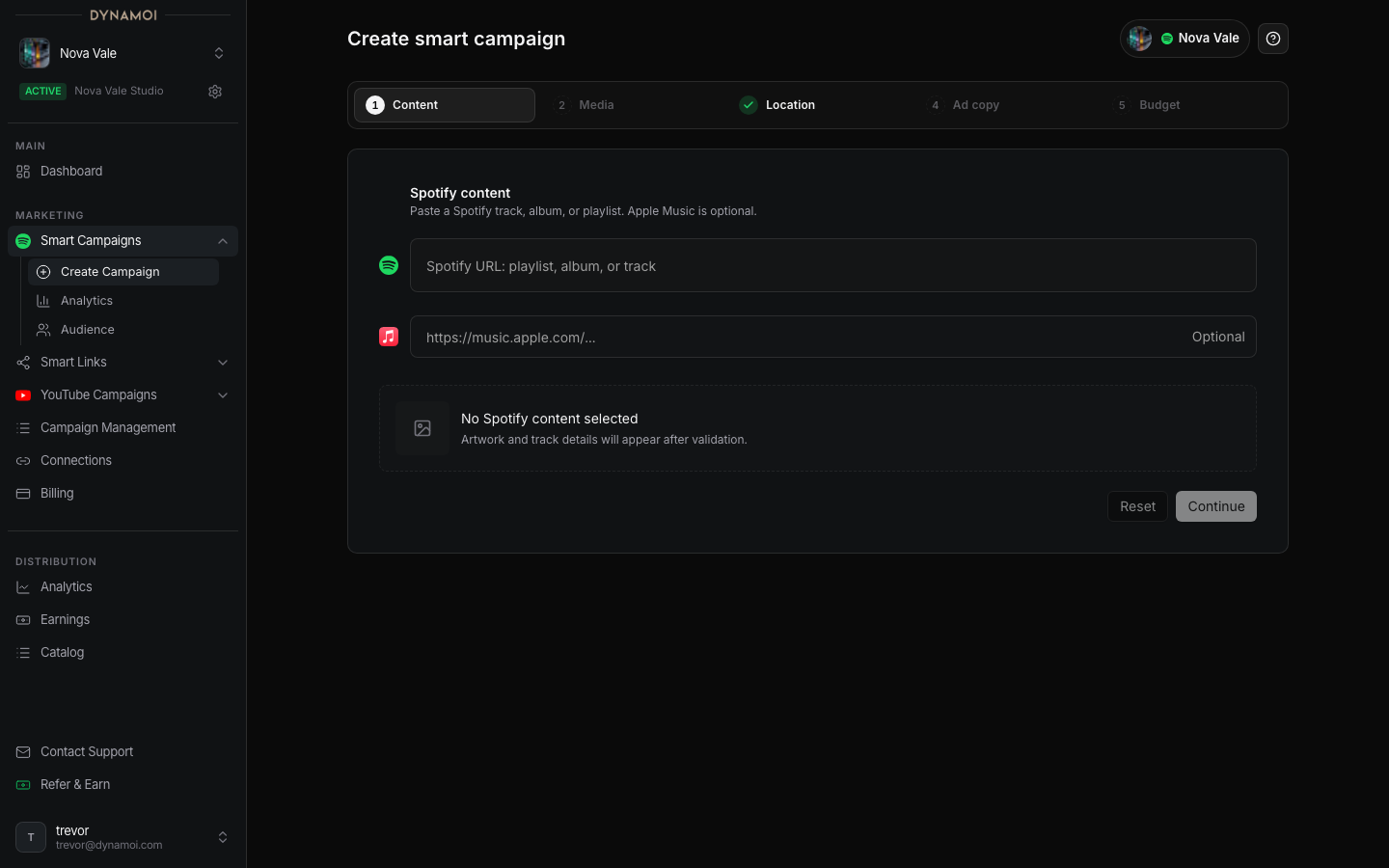
Choose Spotify content Paste a Spotify track, album, or playlist URL, or start from a release or playlist in Smart Links. Verify the preview belongs to the active artist and is the content you intend to promote.
Confirm the network Current Smart Campaigns deliver through managed Meta Ads. Spotify Ads, Google, TikTok, and Snapchat cannot be selected in this flow.
Choose locations Select
Worldwide,Recommended markets, orChoose countries. Fresh drafts start Worldwide.Add ad copy Generate copy or enter one manual ad-copy field. Manual copy must contain at least 10 characters, and it remains editable before submission.
Select creative assets Add at least one eligible upload, connected social post, or completed generated video. The combined selection cannot exceed 30 assets.
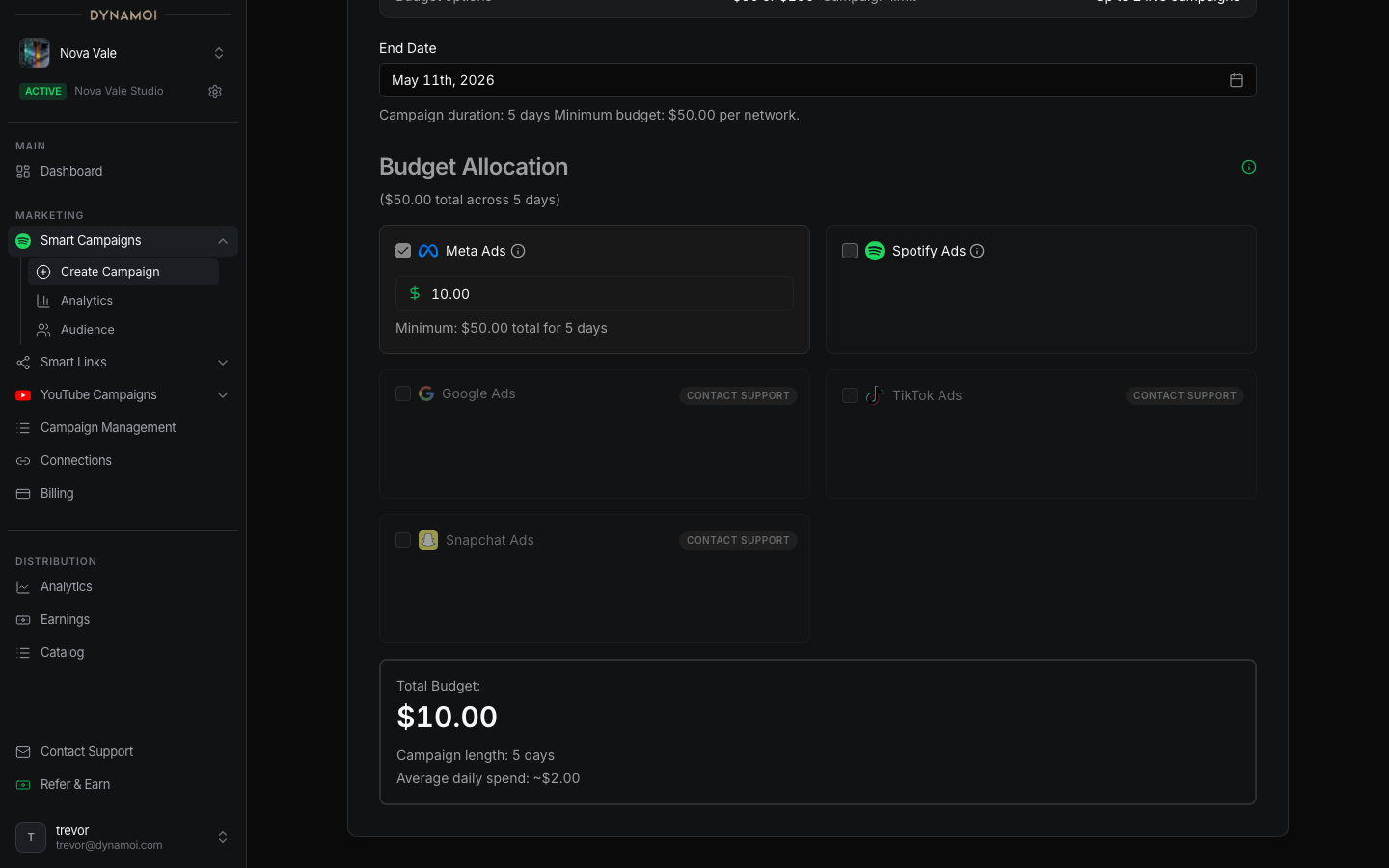
Set the budget Choose Daily or Total. Daily starts at $10 and is capped at $100. Total starts at $50, requires an end date at least five days out, and must cover the duration at $10/day.
Review and submit Review the destination, countries, copy, assets, and budget. Submission revalidates ownership, readiness, billing, media, and provider requirements.
What happens next
The user-facing lifecycle can move through Preparing, In review, Deploying, and provider-level Under review before becoming Active. These operations are asynchronous, and a submitted campaign is not proof that Meta has started serving.
A Learning badge can appear while a campaign is less than seven days old and its display state is Active or Deploying.
Common blockers
| Blocker | Resolution |
|---|---|
| Onboarding incomplete | Finish Spotify, Meta, or Billing setup for this artist |
| Form incomplete | Complete content, locations, copy, media, and budget |
| Media unavailable | Wait for upload/generation completion or select a different eligible asset |
| Billing or payment unhealthy | Resolve the artist's Billing state |
| Provider review or issue | Follow the provider detail or remediation shown in All Campaigns |