
Smart Campaigns
Smart Link Analytics & Settings
Review 30-day Smart Link engagement and manage publishing, themes, service destinations, presentation, and validated pixel IDs.
Open Marketing > Smart Links > Analytics for public-page reporting and Marketing > Smart Links > Settings for artist-level defaults and publishing controls.
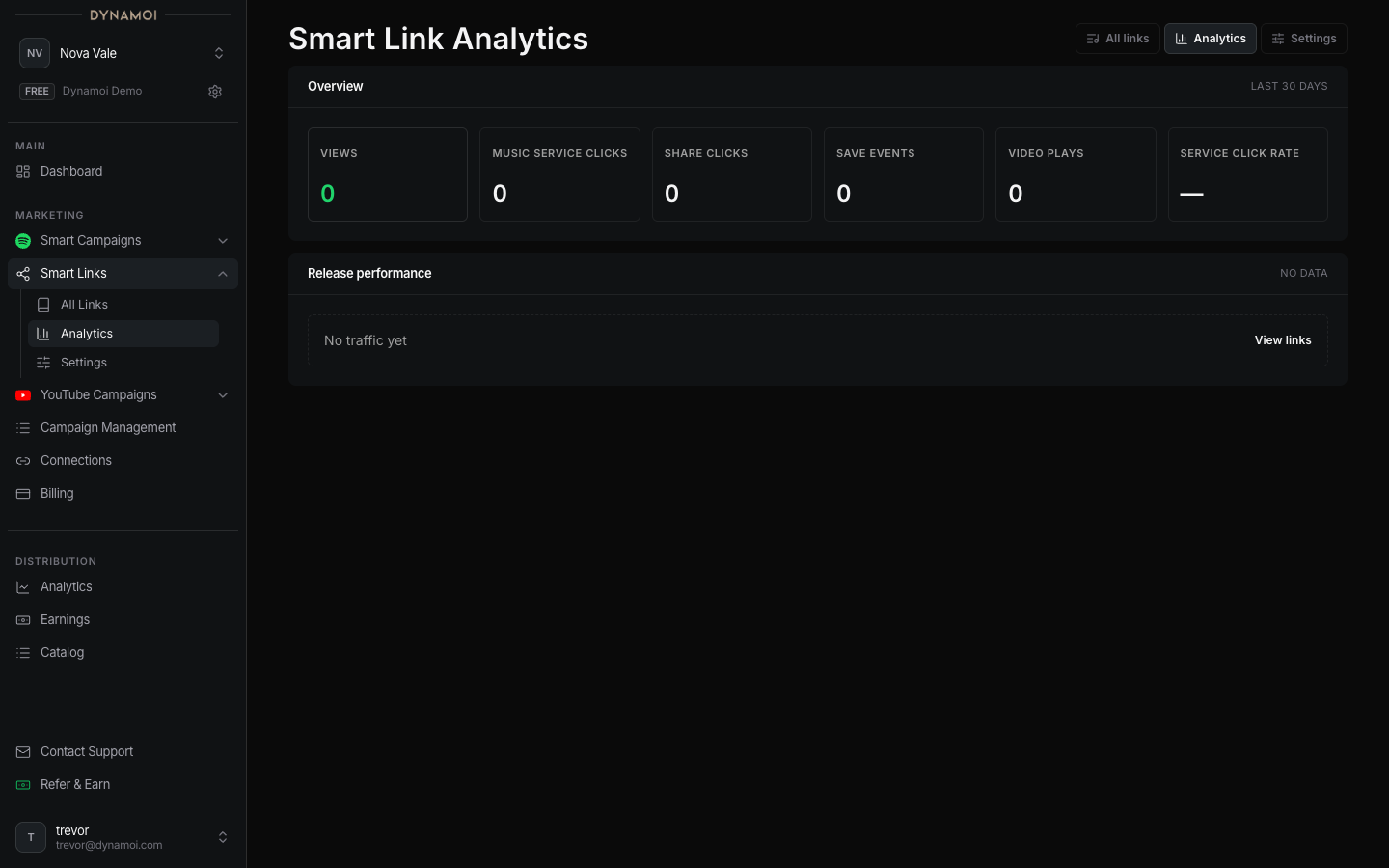
Current analytics window
The dashboard summarizes the last 30 days and can show:
- Views
- Music-service clicks
- Share clicks
- Save events
- Video plays
- Service click rate
- Per-release or per-link rows
A value can be zero or unavailable when the event source did not report it. Smart Link events should not be treated as perfect cross-platform attribution.
Settings
Depending on the page and link type, settings can include:
- Artist-level default theme
- Per-link theme and presentation controls
- Public publish status
- Descriptions and visible service destinations
- Automatic or fixed service ordering
- Validated Meta, TikTok, or Google pixel IDs
Pixel fields accept supported identifiers, not arbitrary scripts or tag-manager snippets. Adding a TikTok or Google measurement identifier does not enable TikTok or Google as a Smart Campaign delivery network.
Free links and paid campaigns
A free Smart Link creates a public destination and first-party engagement data. It does not create, fund, or launch a paid campaign. Use Promote to start the separate Smart Campaign workflow when the artist is ready for managed Meta delivery.