
Smart Campaigns
Campaign Statuses
Understand Smart Campaign lifecycle labels, provider detail, learning state, billing pauses, issues, ended flights, and archives.
Campaign rows use user-facing labels derived from Dynamoi's canonical lifecycle. A provider badge can show a second, more specific delivery state.
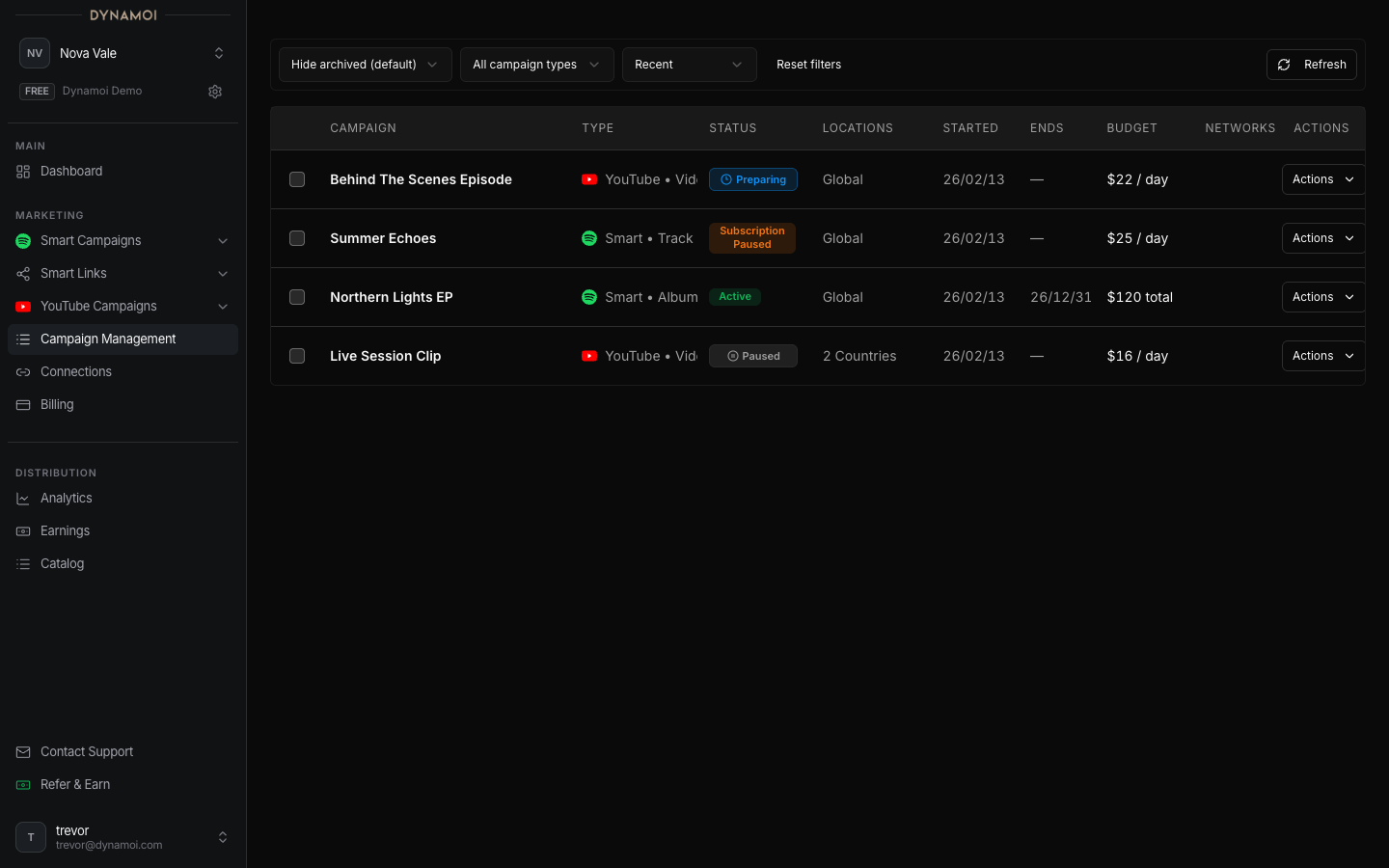
Lifecycle labels
| Label | Meaning |
|---|---|
| Preparing | Required Smart Link or campaign setup is being prepared |
| In review | Dynamoi content validation is in progress |
| Deploying | Provider resources are being created or reconciled |
| Under review | A provider or approval state is still processing |
| Active | Dynamoi's campaign lifecycle is active; check the provider detail for serving state |
| Paused | Delivery is paused |
| Subscription paused | Billing recovery is required |
| Ended | The flight or campaign has completed |
| Archived | The campaign is removed from the default working list while history remains |
| Issue | Setup, deployment, policy, or reconciliation needs attention |
Running and Serving can appear as provider-level detail. They are not replacements for the canonical campaign lifecycle.
Learning badge
Learning appears while a campaign is less than seven days old and its display state is Active or Deploying. It measures age and state, not seven uninterrupted days of provider delivery.
Subscription paused
Resolve the payment or subscription problem under Account > Billing. Eligible campaigns return to Paused after recovery. They do not resume automatically.
Ended, archived, and unarchived
Eligible Meta, Google, and Spotify campaigns can be archived from Paused or Ended. Unarchiving returns a campaign to Paused. Resume is a separate action and remains subject to provider, campaign-type, role, and billing checks.
Status delay
Dynamoi, Meta, and analytics feeds update asynchronously. Immediately after a launch, pause, archive, payment, or provider review change, the lifecycle and provider detail can temporarily disagree.