
Marketing
Marketing Overview
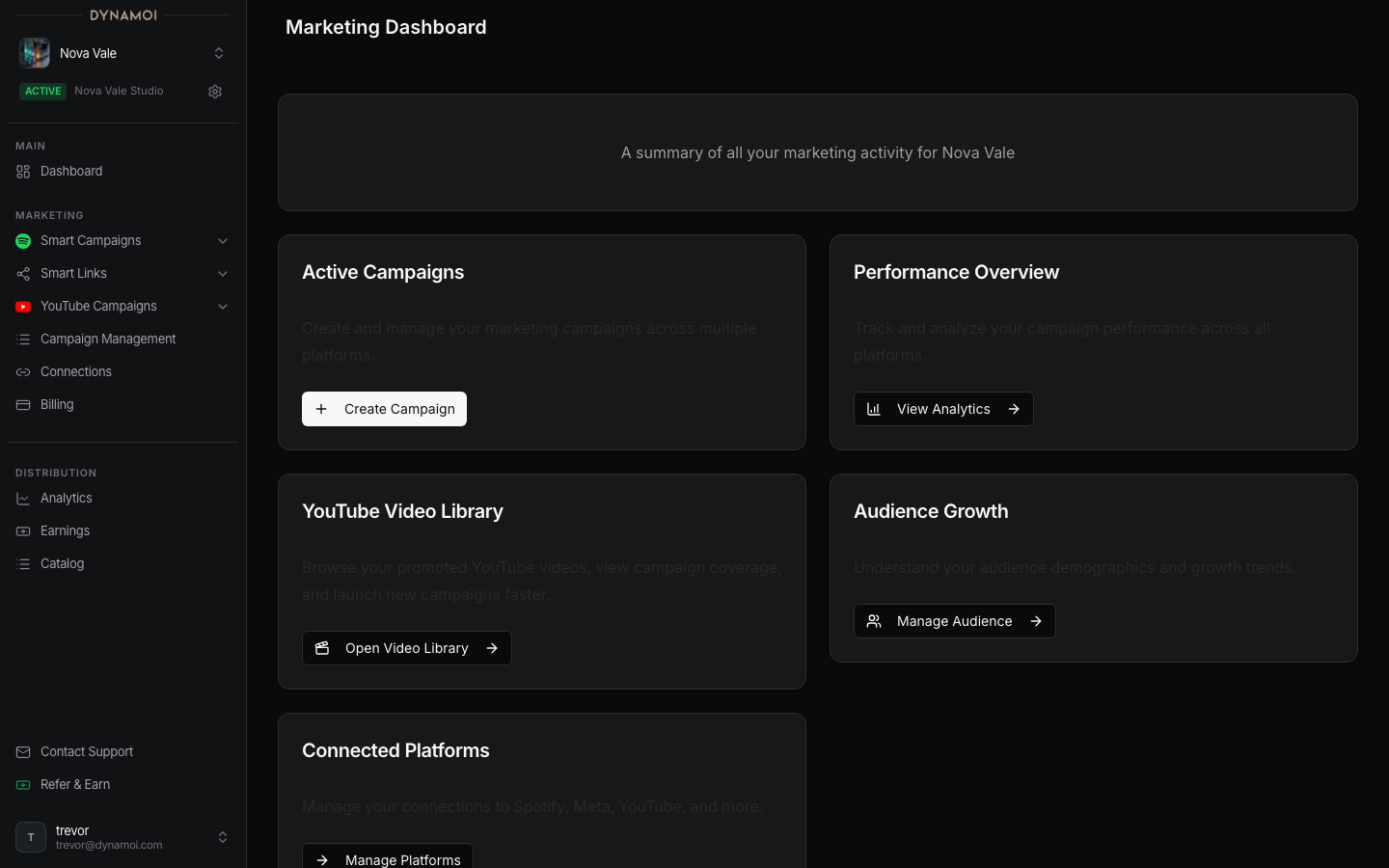
Navigate Dynamoi's Smart Campaign, YouTube, Smart Link, playlist, analytics, audience, connection, and billing surfaces.
Dynamoi's marketing surfaces combine free planning and measurement tools with two paid managed-advertising workflows. All data and actions are scoped to the active artist.
Current marketing lanes
- Smart Campaigns promote connected Spotify content through Dynamoi-managed Meta delivery and a Smart Link.
- YouTube Campaigns promote eligible YouTube videos through Dynamoi-managed Google Ads workflows.
- Smart Links create free public artist hubs and release pages on
play.dynamoi.com, with analytics and artist-level theme and pixel settings. - Playlists expose eligible playlist workflows for music and hybrid artists.
- Audience shows privacy-limited records acquired through supported Smart Link and provider workflows.
- Growth Audit and public data tools help evaluate an artist before a paid campaign.
Current navigation
All Campaigns is a top-level sidebar route. Use it to review status and perform eligible pause, resume, edit, archive, unarchive, or duplicate actions across campaign types.
The Marketing group contains:
- Smart Campaigns
- Create Smart Campaign
- Smart Campaign Analytics
- Audience
- YouTube Campaigns
- Create YouTube Campaign
- YouTube Analytics
- AdSense Optimization
- YouTube Video Library
- Smart Links
- All
- Analytics
- Settings
- Playlists, except for a confidently classified YouTube-only creator
Platform Connections and Billing are in the separate Account group, not inside Marketing.
Typical Smart Campaign workflow
Connect Spotify and Meta Connect the correct Spotify artist, then complete the Facebook Page, professional Instagram, Business Portfolio, and Meta partnership requirements.
Prepare the Smart Link and creative Select Spotify content, confirm the Smart Link, add one ad-copy field, and select uploaded, social, or AI-generated assets within the current caps.
Set locations, dates, and budget Choose Worldwide, Recommended markets, or specific countries. Use at least $10 per day and $50 total.
Launch and monitor After validation and provider deployment, review Smart Campaign Analytics, Audience, Smart Link Analytics, and All Campaigns.
Typical YouTube workflow
Connect a YouTube channel, approve the Google Ads link, select a strategy and eligible video destinations, set the location and budget contract, then monitor YouTube Analytics and campaign status. Monetized channels can also use AdSense Optimization when the required reporting data is available.
Marketing versus Distribution
Marketing covers promotion, campaign delivery, Smart Links, and response analytics. Distribution covers catalog, royalties, release submission, statements, and earnings when access is enabled. A campaign does not by itself enroll an artist in distribution or publishing administration.