
Distribution
Apply for Distribution
Meet the five platform and audience requirements, provide applicant-country evidence, and submit for distribution review.
Distribution access is available by application. When Distribution is available for the account but the active artist does not have access, the sidebar shows Apply in place of the distribution-management pages.
Open Apply from the Distribution section of the dashboard sidebar.
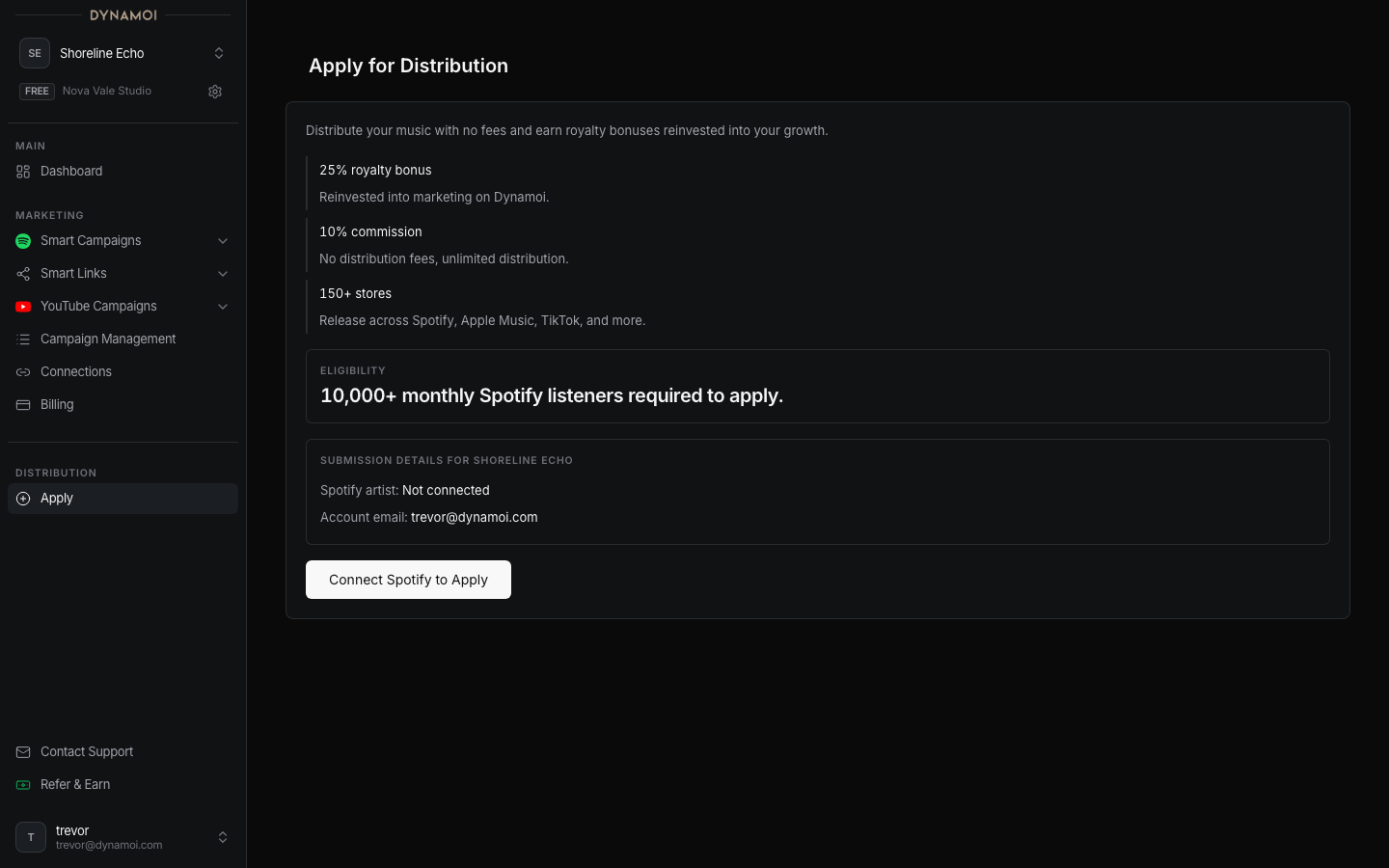
Eligibility requirements
The current eligibility card tracks five requirements. All five must pass before the application can be submitted:
- A connected Spotify artist.
- At least 1,000 Spotify profile followers.
- At least 10,000 verified monthly listeners.
- Connected Meta identity evidence: OAuth plus the selected Facebook Page and Instagram profile.
- Connected YouTube identity evidence: OAuth plus a selected YouTube channel.
Follower and listener data must be available to the server; a connection alone is not enough when the current evidence is still syncing or unavailable. The page shows progress and provides connection actions for missing Spotify, Meta, or YouTube identity.
Applicant evidence
The application also requires:
- Applicant country
- Tax-residency country
- Payout country
- Confirmation that the applicant is at least 18 and authorized to apply
Only country combinations supported by the current distribution country matrix can be submitted.
Submit the application
Complete platform identity Connect the correct Spotify artist, Facebook Page and Instagram profile, and YouTube channel for the active artist.
Meet the audience thresholds Wait for current follower and monthly-listener evidence to resolve and reach both minimums.
Provide applicant evidence Select the applicant, tax-residency, and payout countries, then confirm the adult and authority attestation.
Apply for Distribution Submit the application. Dynamoi rechecks every requirement against current server data before admitting it.
After submission, the page shows the saved application status and submission date. An approved-next-step status opens the distribution agreement; information requests or other review outcomes can require additional action.
Warning Meeting the minimums and submitting an application do not guarantee approval, store acceptance, release timing, or any distribution or marketing outcome.
Dynamoi may reject, pause, manually review, or limit access based on artist identity, catalog and rights evidence, country support, payment and tax readiness, fraud or abuse risk, release risk, or product availability.