
Smart Campaigns
Music Catalog
Browse a connected Spotify catalog from Smart Links in Dynamoi, review releases and playlists, and start Smart Campaigns without pasting URLs.
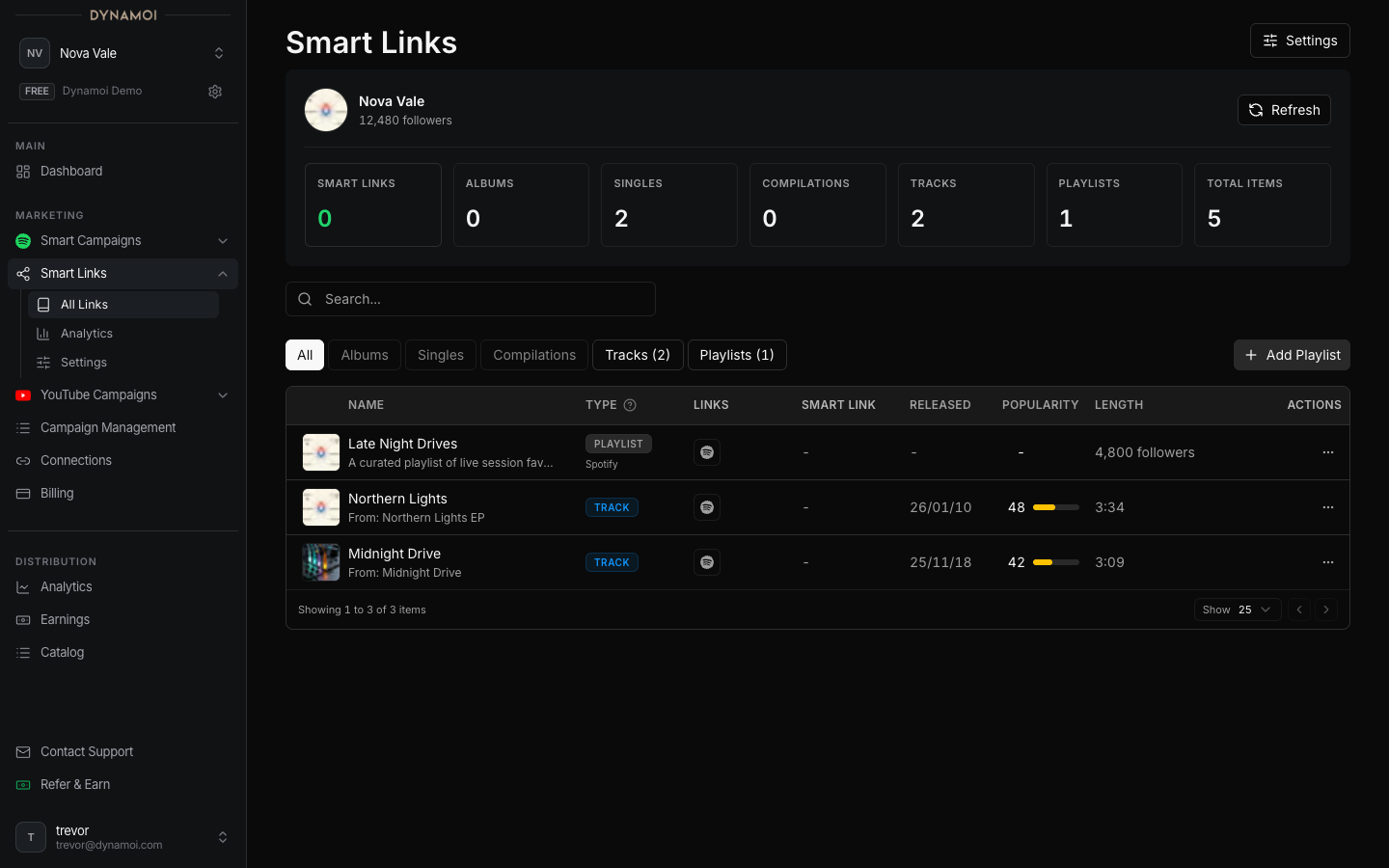
The catalog browser shows the Spotify content Dynamoi has synced for the current artist. Use it to browse tracks, albums, and playlists, then start a Smart Campaign from an item.
Accessing the catalog
Open Marketing > Smart Links from the dashboard sidebar. The catalog browser lives on that page. There is no separate Music Catalog sidebar entry.
Requirements
The catalog requires a connected Spotify artist. If Spotify is not connected, the page shows instructions for connecting your account.
What you can do
- Browse content by type, search, and sort
- Use
Refreshto start a catalog refresh - Use
Add Playlistto add a playlist to your catalog - Start a campaign with an item's
Promotebutton (labeledPromote this releaseorPromote this playlist)
Catalog stats
The stats card shows counts like Albums, Singles, Compilations, Tracks, and Playlists, plus a Last refreshed label.
Refresh cooldown
Refresh is rate-limited. After a recent refresh the button is disabled and shows when the next refresh becomes available. Wait for the cooldown to clear, then refresh again.
Missing or incorrect content
If something is missing, refresh the catalog and confirm the Spotify connection in Platform Connections.