
Platform Connections
Connecting Spotify
Connect a Spotify artist for catalog sync, free Smart Links, Growth Audit handoff, and Smart Campaign creation.
A Spotify connection identifies the artist and imports the public catalog used by Smart Links and Smart Campaign setup. It is an artist-URL connection, not a Spotify for Artists OAuth grant.
Before connecting
Use the canonical Spotify artist URL for the workspace you are editing. An album, track, playlist, or unrelated artist URL is not a substitute for the artist identity required by the connection.
The public Spotify Growth Audit can help resolve the correct artist before you create a workspace.
Connect the artist
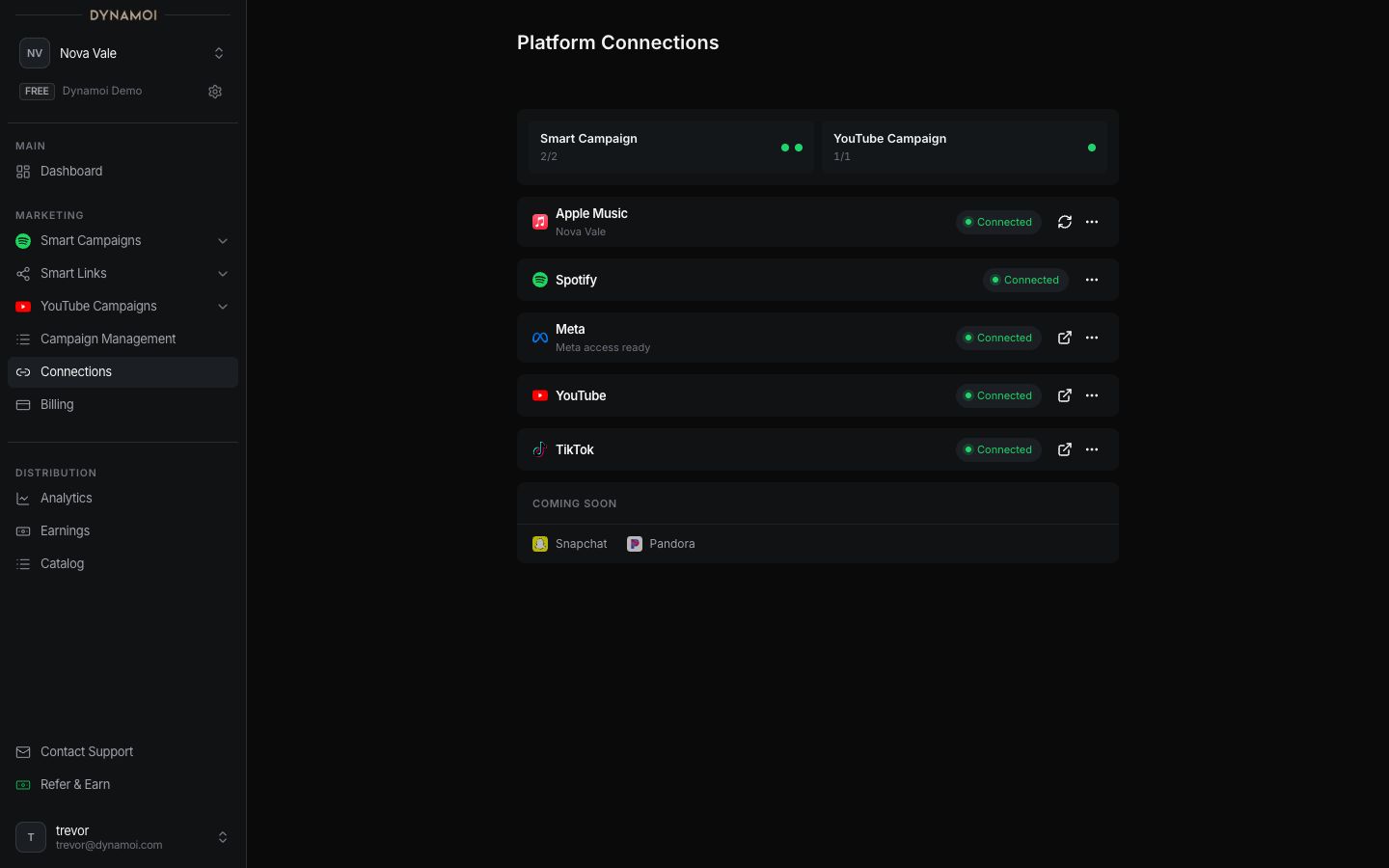
Open Platform Connections Select Platform Connections in the Account section of the sidebar.
Open Connect Spotify Select
Connectin the Spotify row.Paste the artist URL Enter the Spotify artist URL in
Paste Spotify Artist URL here.Confirm Select
Connect Spotify. Dynamoi validates the artist and begins the catalog and Smart Link workflows associated with that artist.
After connection
The row shows the resolved Spotify artist. The Smart Links area can then display or import eligible public catalog content, create artist and release pages, and supply Spotify content to the Smart Campaign creator.
A Spotify connection alone does not launch advertising. A Smart Campaign also requires Meta readiness, billing, valid creative, targeting, dates, and budget.
Refresh or disconnect
When the row offers refresh or disconnect actions, use refresh to reconcile public artist/catalog data and disconnect to remove the artist relationship from the current workspace. Disconnecting can affect Smart Link and campaign-creation readiness, so review existing campaigns and public links before confirming.
Validation problems
A failed connection usually means the input did not resolve to a supported Spotify artist or the provider lookup was unavailable. Re-copy the artist URL from Spotify and try again. Do not replace it with a track, album, or playlist link.